
Software & websites
Internal tools, portals, stores and landing sites, hosted and live on your own address, with sign-in, forms and payments built in.

SuperCat for Enterprise
Your teams ask in the chat they already use. SuperCat learns how each team works, makes what they ask for, and changes it as they ask, with one shared memory across the whole project. Everything it makes is yours to keep.
Microsoft Teams · Google Chat · no new tool to roll out
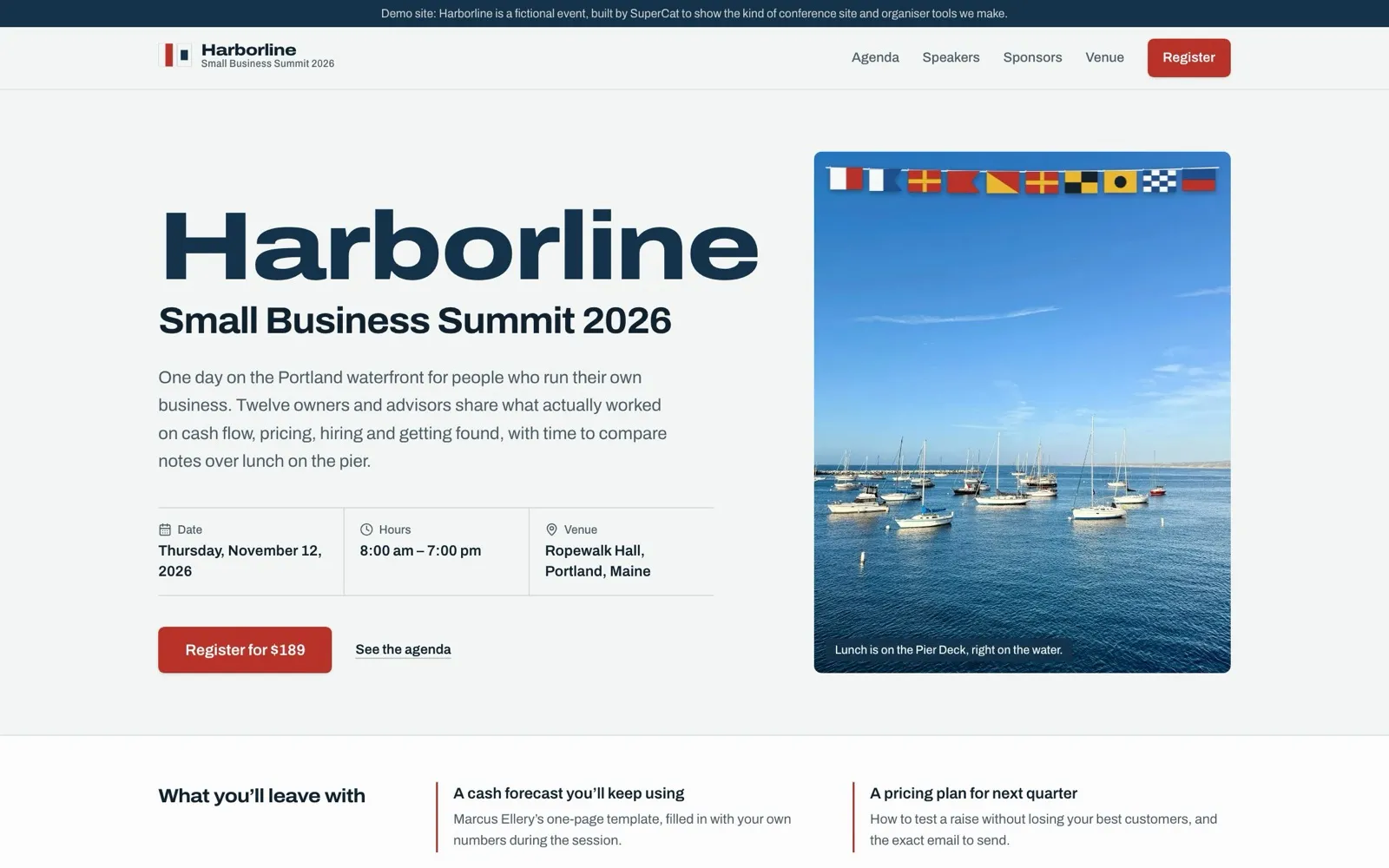
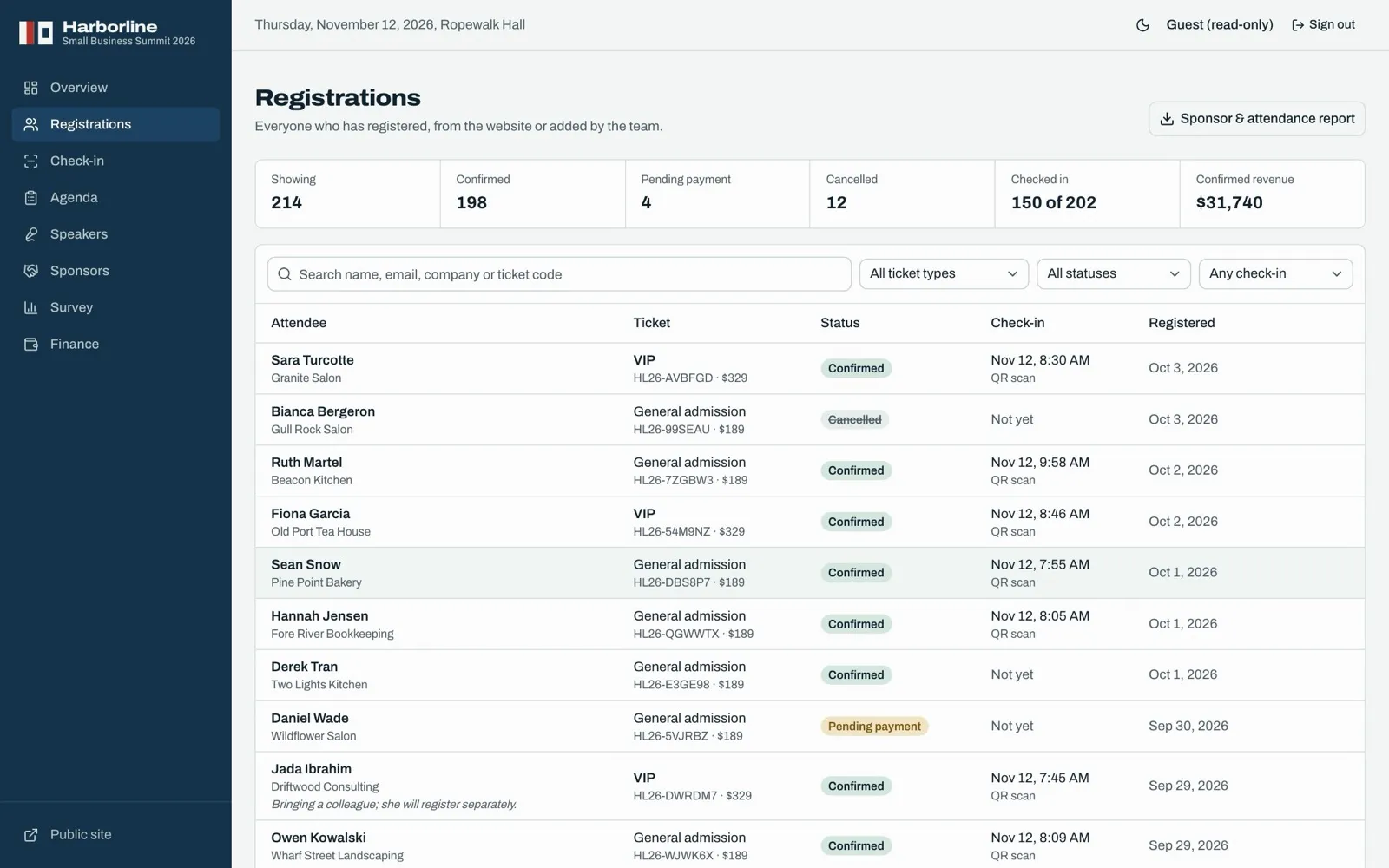
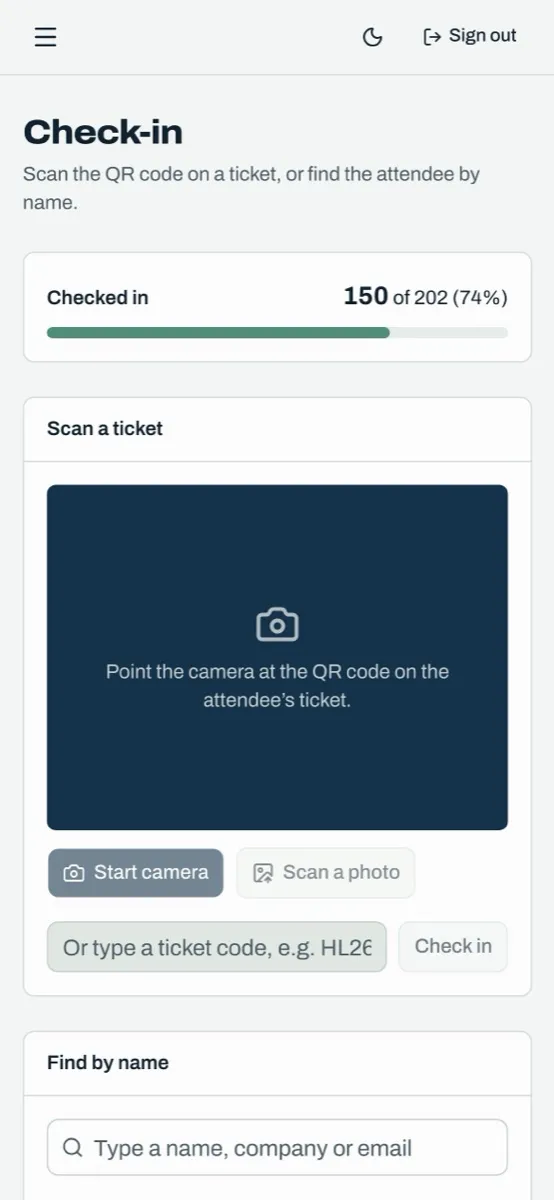
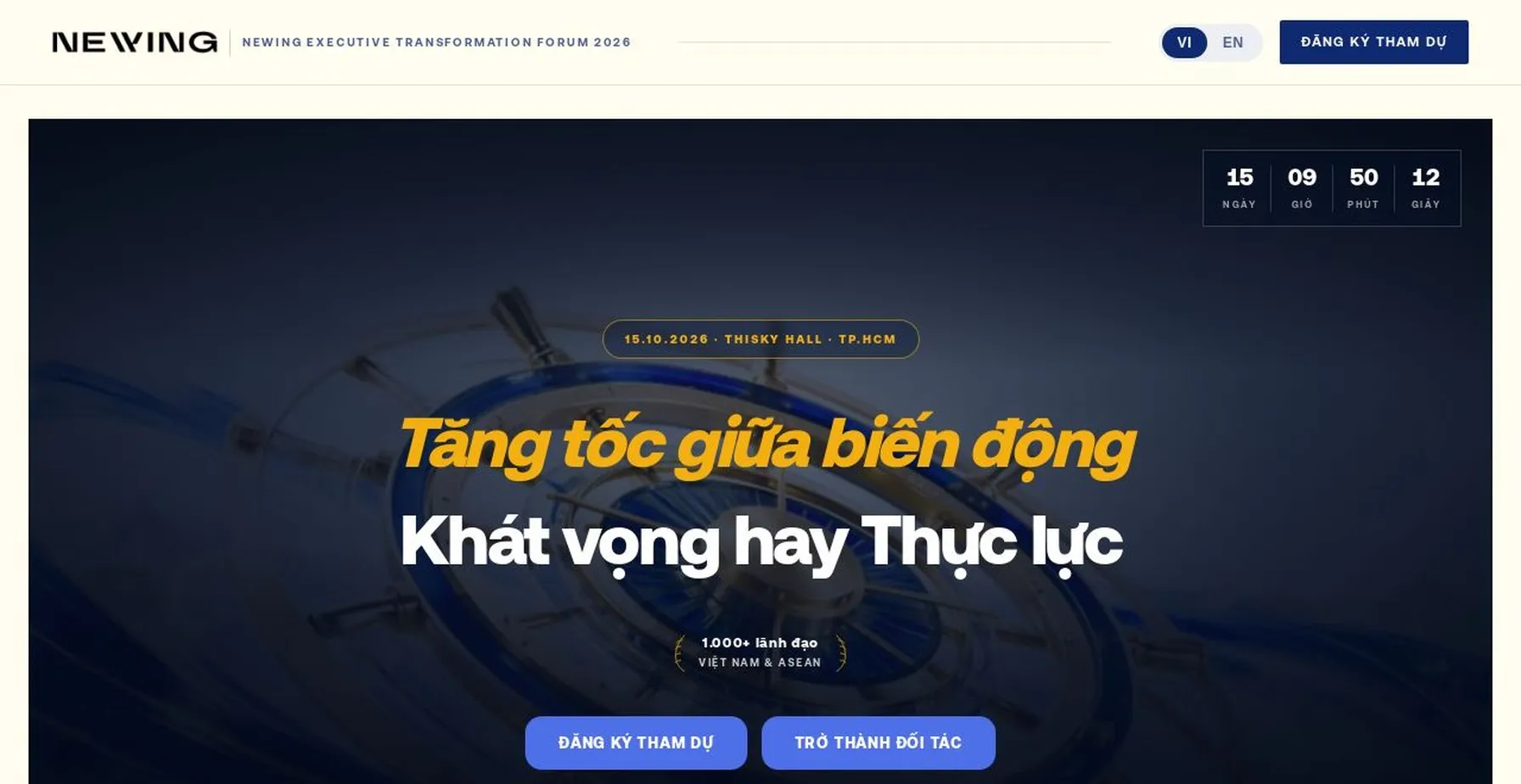
From Newing, our lighthouse client, across its first five weeks.
Why the usual answers stall
In the chat your team already uses
A real exchange from the lighthouse client, translated and condensed.
Make a ticket look-up page: guests enter their name and registered email to find their own ticket, and anyone not registered can sign up right there.
On it. Guests will see their ticket tier, ticket code and check-in status. If nothing matches, it asks them to re-check both fields without saying which was wrong.
Group chat · 29 September
What it can do
Internal tools, portals, stores and landing sites, hosted and live on your own address, with sign-in, forms and payments built in.
PowerPoint, Word, PDF and Excel with real formulas, in one language or two. Proposals compared against client feedback, line by line.
Video with voiceover, captions and music; images, transcripts, and social posts checked against each platform’s rules.
Live dashboards, exports and reports, asked for and updated by chat, with sources cited line by line.
Microsoft Teams and Google Chat, Google Workspace, email, CRM and other systems, built to order.
Organisation sign-in, roles, analytics and a dedicated environment. Download the code any time and leave with it.
The lighthouse
Newing runs executive forums and coaching programmes for business leaders in Vietnam. In late August its people, from the chief executive to the event team, started working with SuperCat in the group chats they already used.
There was no new tool to learn. People simply started asking.
Messages by function. Exploratory and personal workspaces are not shown.
I was going to take the weekend off, but you’re so fast I have to run to keep up.
If you can find which coaches’ schedules clash across all my projects, I’ll call you extraordinary.
It’s only the CEO and programme-office view so far, but it’s wonderful.
You know my standards. Support the team fully.
Translated from Vietnamese.
Run by chat
Update data, move records, pull a report, hand out access. Real requests from the lighthouse client, translated and condensed.
The company name on this speaker’s profile is misspelled. Please fix it.
Done. I also found the old spelling in the company look-up and fixed that too.
A guest registered as standard. Can we move them to VIP without messing up the data?
Yes, in place: change the ticket tier and save. Everything else stays, and check-in isn’t affected.
How many registrations have a complete email for QR, as of noon on the 16th?
[‑‑‑‑] registered, [‑‑‑‑] with a full email, [‑‑‑‑] missing. Caveat: the app stores the date, not the time, so I can’t cut at exactly noon.
Export every social post from today to 15 October into a document.
Sent a Word file of the social plan, 16 September to 15 October.
Give my colleague edit rights on the dashboard.
It sits under another account, so I asked the project owner. Approved within minutes.
Registration is full. Close it on this page but keep the price and the form.
Marked “Sold out”, price kept, countdown removed. Should late sign-ups be blocked or kept as a waitlist?
Business figures masked.
Sponsor tiers, VIP lists, Zalo and email notices, connected to the firm’s own email service. The tool follows the business, not a template.
A change is asked for, built and live in the same conversation, then refined the next time someone spots something.
Event, ticketing, content, sponsor, admin and technical staff all work with one SuperCat at once, on the same context.
Enterprise-grade
Every customer gets an isolated environment of its own.
Microsoft or Google accounts, no separate passwords. Administrators grant roles.
Internal tools sit behind a VPN-secured domain, set up with your environment.
Roles for executives, managers and specialists; people see only what their role allows.
Code and files can be downloaded at any time. Nothing is held hostage by a subscription.
SuperCat cites its sources line by line, so people verify answers instead of redoing the work.
A typical rollout
Agree the first team, the workflows worth automating, the systems to connect and the access rules.
Stand up your dedicated environment with sign-in, your chat channel and the first integrations.
The first team starts asking. Working tools appear within hours; more follow as people ask.
Extend function by function, with roles and shared context, as the pilot shows where value is.
Newing’s path, for reference: the first working apps appeared within hours of the first message, and by week five SuperCat was in use across five functions.
Pricing
No seat count that grows with headcount. You pay for the people who actually used SuperCat that month.
Your dedicated environment, organisation sign-in, channels and integrations, security set-up and support from pilot through rollout. Scoped to the size of your organisation.
A low price for each person who used SuperCat that month, with their usage included. People who did not use it cost nothing.
Heavier use is billed separately at published rates, so a few heavy users never raise the price for everyone else.
Competitor prices are public list prices as of September 2026.